Why Instagram Shows You Ads Instead of Friends, and What Creators Can Do About Reach
Instagram's reach problem is actually two related problems. As a user, you may open the app expecting posts from people you follow and instead get recommendations, sponsored posts, or content that seems to have nothing to do with your interests. As a creator, you may have a large follower count but see one post reach thousands of people and the next reach almost nobody.
Those experiences come from different parts of Instagram. The Home feed is a prediction system. Following and Favorites are catch-up tools. Reels and Explore are discovery systems. Ads are selected through a separate commercial layer that can use activity from Instagram, Facebook, advertisers, and, in some cases, websites or apps outside Meta.
Understanding that division is more useful than treating "the Instagram algorithm" as one invisible switch.

Instagram no longer treats your feed as a subscription list
The original Instagram feed was a chronological stream. The modern Home feed is a ranked mixture of content from accounts you follow, suggested posts from accounts you do not follow, and ads. Meta says it orders posts using signals such as your activity, the post's information, your previous interactions with the author, freshness, and predictions about whether you will watch, comment, like, share, or visit a profile.
That explains a common complaint: following an account does not guarantee that its next post will appear near the top of Home, or even during the next session. A person can remain on your following list while their posts lose the prediction contest against a Reel, a suggested account, or an older post that Instagram expects you to engage with.
The feed can therefore feel less like a list of people and more like a personalized media channel. "I follow this account" and "Instagram thinks I will interact with this post right now" are different inputs.
The practical difference between Home, Following, and Favorites
If your immediate goal is to catch up with people you chose to follow, use the feed Instagram calls Following. Open the feed menu from the Instagram label at the top of Home and choose Following. Meta's description says this view shows posts from followed accounts in reverse chronological order and covers the most recent 30 days. Favorites provides a smaller, prioritized list for accounts you do not want to miss.
There are important limitations:
- Following is not the default screen when you reopen the app.
- It is a catch-up view, not a permanent replacement for Home.
- It does not create discovery reach for a creator beyond the people who follow them.
- User reports describe cases where the view showed only a few posts, ended prematurely, or displayed ads. That conflicts with the intended product behavior and may indicate a bug, rollout, or account-specific experiment rather than proof that every Following feed works the same way.
For the accounts you care about most, Favorites is usually more practical than repeatedly scrolling Home and hoping the ranking system remembers them. For a complete chronological catch-up, Following is the better test. If it stops after a handful of posts while you know accounts have posted recently, capture the behavior and report it as a product problem rather than treating it as a creator penalty.
Why the feed can feel full of ads and strangers
There are three things people often combine under "ads":
- A paid placement labeled as an ad.
- A suggested post from an account you do not follow.
- A polished creator or brand post that looks like ordinary lifestyle content.
The percentage of feed space occupied by ads varies by account, session, market, and product surface. Anecdotal counts from scrolling are not a reliable platform-wide measurement, so claims such as "Instagram is 60% ads" should not be treated as general facts. The stronger, supportable point is that the default feed is designed to mix ads and recommendations with followed content, and the mix can make followed accounts feel unusually scarce.
Yes, activity outside Instagram can affect what you see
The tracking-pixel experience is real, but it needs a precise explanation.
The Meta Pixel is code a business places on its website. Meta says it can record events such as visiting a page, adding an item to a basket, or completing a purchase. Advertisers can use those events to build audiences and retarget people on Meta services. A similar flow can involve app events, Conversions API data, or information a business shares directly with Meta.
That is why visiting a product website can be followed by seeing that company, or a related product category, in Instagram advertising. Meta's help documentation also describes an Activity from other businesses setting for deciding whether information sent by other businesses about activity on their apps or websites can be used to personalize what is shown on Instagram. The exact controls and labels can vary by account and region.
This does not mean that a pixel literally rewrites every organic post in your Home feed. It means off-site activity can feed the personalization and advertising ecosystem around your account. The most direct, well-documented effect is ad targeting and retargeting. Recommendations are also personalized from what you do on Instagram, and Meta's settings indicate that outside-business activity can be part of the broader content-personalization experience.
If you want to reduce this influence:
- Open Accounts Center and review Ad preferences.
- Check the setting for Activity from other businesses and turn off the use of that activity where the option is available.
- Use "Why you're seeing this ad" to inspect the reason for a particular ad.
- Mark unwanted ads as not interested rather than repeatedly opening or discussing them.
- Use "Not interested" on irrelevant suggested posts and snooze suggested posts when that control appears.
- Review connected accounts, apps, and shopping integrations that may share activity with Meta.
Turning off one setting does not produce an empty or chronological feed. It reduces one source of personalization; it does not turn off ranking.
Why creator reach is so inconsistent
For creators, the most important distinction is between connected reach and unconnected reach.
Connected reach means distribution to existing followers. Unconnected reach comes from recommendations in Reels, Explore, Search, and suggested posts. It is how a small account can find strangers, but it also makes outcomes volatile.
Instagram describes a staged process for eligible Reels: a post goes to a small likely audience, stronger performers move to wider groups, and the cycle continues. Watch time, retention, likes, comments, shares, saves, profile visits, audience fit, and eligibility all matter differently by surface. A follower count is a pool of possible viewers, not a delivery guarantee.
The source material's hobby-page example captures the volatility: two pages reportedly grew for years, declined sharply, later recovered beyond their previous peak, and still could not make performance consistent. Reels can aid discovery, but they are not a universal replacement for photos; the better format is the one that produces useful behavior from that audience.
A better diagnosis than "I am shadowbanned"
Before changing your entire strategy, classify the symptom.
| Symptom | First check | More useful interpretation |
|---|---|---|
| You miss friends' posts in Home | Following and Favorites | A feed-selection problem, not evidence that those friends stopped posting |
| Suggested posts are irrelevant | Not interested, snooze, or recommendation reset | Your recommendation profile needs correction or a fresh start |
| The same advertiser follows you across sites and Instagram | Ad preferences and Activity from other businesses | Likely retargeting or ad personalization, not an organic creator-reach penalty |
| One post performs badly | Compare it with several recent posts | Normal post-level variance is more likely than an account restriction |
| Non-follower reach falls across many posts | Insights and Account Status | Check recommendation eligibility before changing formats or hashtags |
Creators should separate follower and non-follower reach in Insights, compare several recent updates, and inspect Account Status. A clean status with a gradual decline points more toward audience fit or recommendation variance than a formal restriction. Users can visit a profile, add it to Favorites, or use Following; if that view also omits recent updates, record the date, app version, account, and device before reporting a possible product fault.
What creators should do now
The useful response is not to imitate every rumored algorithm hack. It is to make the diagnosis measurable.
- Separate follower and non-follower reach. A post can satisfy existing followers while failing to earn discovery, or reach strangers without converting them.
- Compare behavior, not just likes. Watch time, saves, shares, comments, and profile visits reveal different kinds of value.
- Make discovery posts understandable to strangers. State the subject and payoff without assuming prior familiarity.
- Use original work and check eligibility. Instagram says visible watermarks, reposted material, and recommendation-rule violations can reduce discovery even when followers can still see the post.
- Use Stories and test formats across several updates. These support existing relationships and prevent one weak result from deciding that a format is finished. Hashtags can label a topic, but they cannot compensate for weak retention or ineligibility.
The source discussions also mention timing and reposting to Stories. Those can help existing followers notice an update, but they cannot guarantee recommendation distribution.
The trade-off Instagram does not make obvious
Users want a feed that ends; creators want discovery. Instagram's ranked Home feed tries to do both while inserting recommendations and ads. Following offers chronological control, but it narrows the experience to accounts already chosen and is not the default. Chronological viewing is better for knowing what you missed; ranked viewing is better for finding something new.
For users, the practical answer is to use Following or Favorites deliberately, tune recommendations, and audit off-site activity controls if retargeting feels intrusive. For creators, the practical answer is to measure connected and unconnected reach separately, check eligibility, and accept that recommendation distribution is probabilistic rather than promised.
Instagram has not simply become "bad at showing posts." It has changed the job of the feed. It is now a ranked recommendation and advertising surface that still contains a social network. The frustration comes from expecting the old job while using the new system.
Related Articles
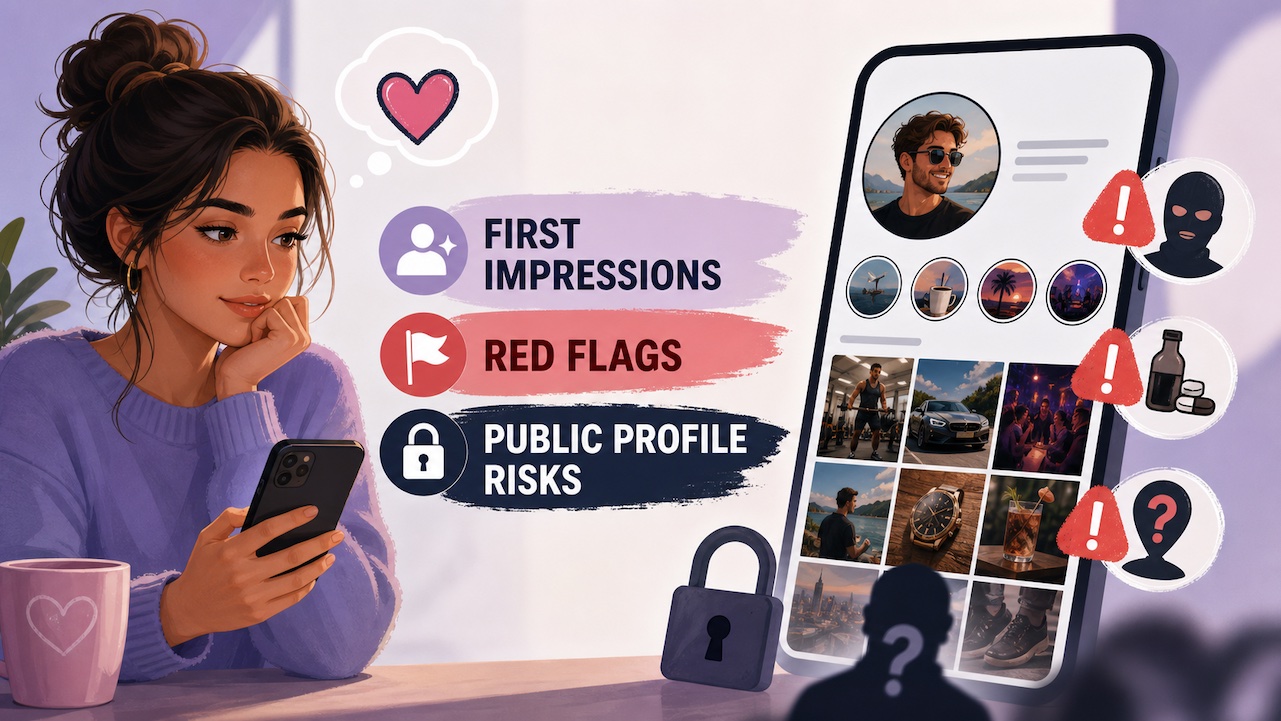
Should you make your Instagram public solely for online dating? What are some red flags you can spot before you date someone? Can a good Instagram profile create a better first impression than a dating app?
This article will discuss methods for viewing Instagram stories when you have been banned by Instagram.
Earn attention, give new viewers a reason to follow, and help you diagnose stalled growth with practical changes to hooks, stories, and formats.