Instagram Account Suspended? How to Appeal and Check What Happened
After a suspension, the last comment or post can look like the obvious trigger. Timing alone doesn't establish the cause. Use the login prompt to choose an appeal or recovery route, then review past removals and restrictions.
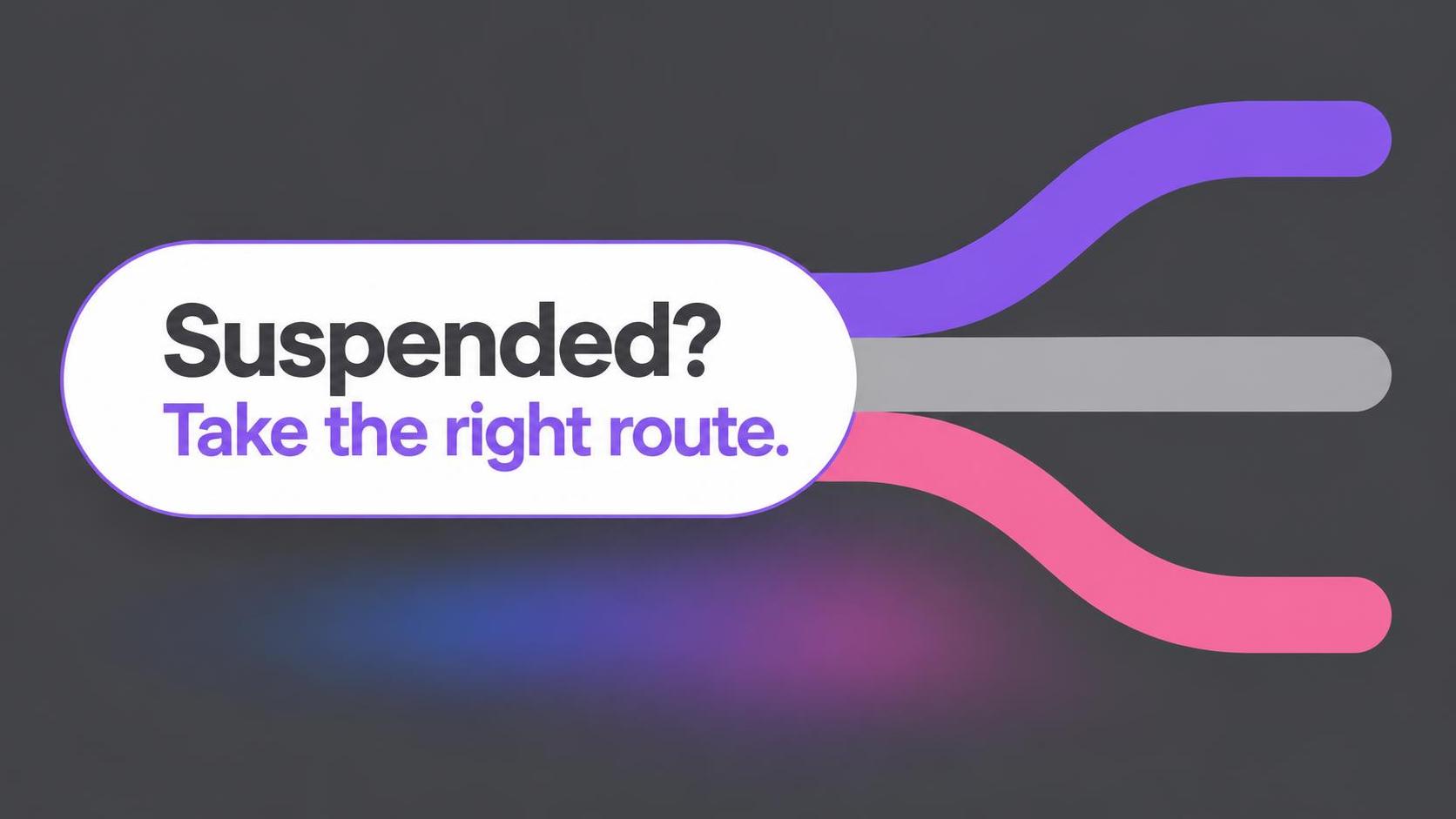
Confirm you are dealing with a suspension
Sign in through the app or website and read the exact message. If an appeal is available, follow the instructions there; a notification may also arrive by email.
Before appealing, screenshot the notice and record when it appeared. Keep any related email, but confirm the same notice in the app before following an email link. This leaves you with the exact wording and a record to refer to if the message changes.
Without a disabled-account notice, look into sign-in trouble, unauthorized access, or deletion first. For changed passwords or contact details, start with account recovery and secure your email. Deleted profiles cannot be restored; a new registration may not free the old username.
An app's “username not found” error can coexist with working browser access; save both messages rather than assume deletion.
How to appeal an Instagram suspension
When the review option appears, sign in and follow the on-screen steps for your case. If asked to verify your identity, complete that request through the app or website instead of relying on an old form or a tutorial for a different situation.
Keep the explanation short and specific: refer to the content named in the notice, add relevant context, and correct factual errors. When a rule violation is clear, describe it plainly rather than claiming exemption.
The guidance sets no standard response window. Monitor the app and linked inbox for updates; a few quiet days do not establish that the request was rejected.
Check whether a comment or earlier violation may be involved
Comments violate Community Standards too. Threats, targeted harassment, hate, and self-harm encouragement are grounds for enforcement. Still, a suspension appearing after a popular comment does not prove that comment caused it.
When profile access remains, open Account Status and inspect removed content, feature restrictions, and earlier notices. Repeated removals can jeopardize access, so review the broader history instead of guessing from the latest post.
Some notices cite account integrity rather than a specific post. Save that wording and check whether it mentions a linked profile or security issue; don't assume a comment caused it. A missing appeal button alone doesn't prove permanent loss.
Can AI moderation cause mistaken suspensions?
Meta is moving toward AI-first enforcement while keeping people involved in policy design, system evaluation, and high-impact account-disablement appeals. Automated screening works at scale, but it can overreach. The notice cannot identify whether a model, another risk signal, or human review drove a particular decision.
Moderation can feel overactive and underactive at once: a user may receive a severe restriction after a comment while harmful material remains visible elsewhere. That mismatch is frustrating, but it doesn't reveal what triggered a particular decision.
Protect the parts of your account that matter
Saved videos, liked posts, stories, and conversations can hold years of personal history, even on a profile with few public posts. Keep original photos, videos, and important records somewhere you control; a social account is not a dependable backup.
After access returns, review Account Status, read missed notices, and secure the profile if someone else may have used it. Remove or revise content that could violate the rules.
What to do next
Use the login message to choose between appeal, account recovery, and security help. Follow the review steps, keep explanations factual, and check the history when access returns. Wait for a final decision before assuming the profile is gone or restored.
Related Articles
Earn attention, give new viewers a reason to follow, and help you diagnose stalled growth with practical changes to hooks, stories, and formats.
Learn how Instagram comparison, curated images, and body-shaming can affect self-image, and how to adjust your feed without treating a break as a cure.

Instagram's ranked Home feed, off-site tracking, ads, and recommendation systems explain why followed accounts disappear and why creator reach is so unpredictable.